Learn the ropes.
How to count, train and track every jump with Jump Rope Protocol, on iPhone and Apple Watch.
Get started
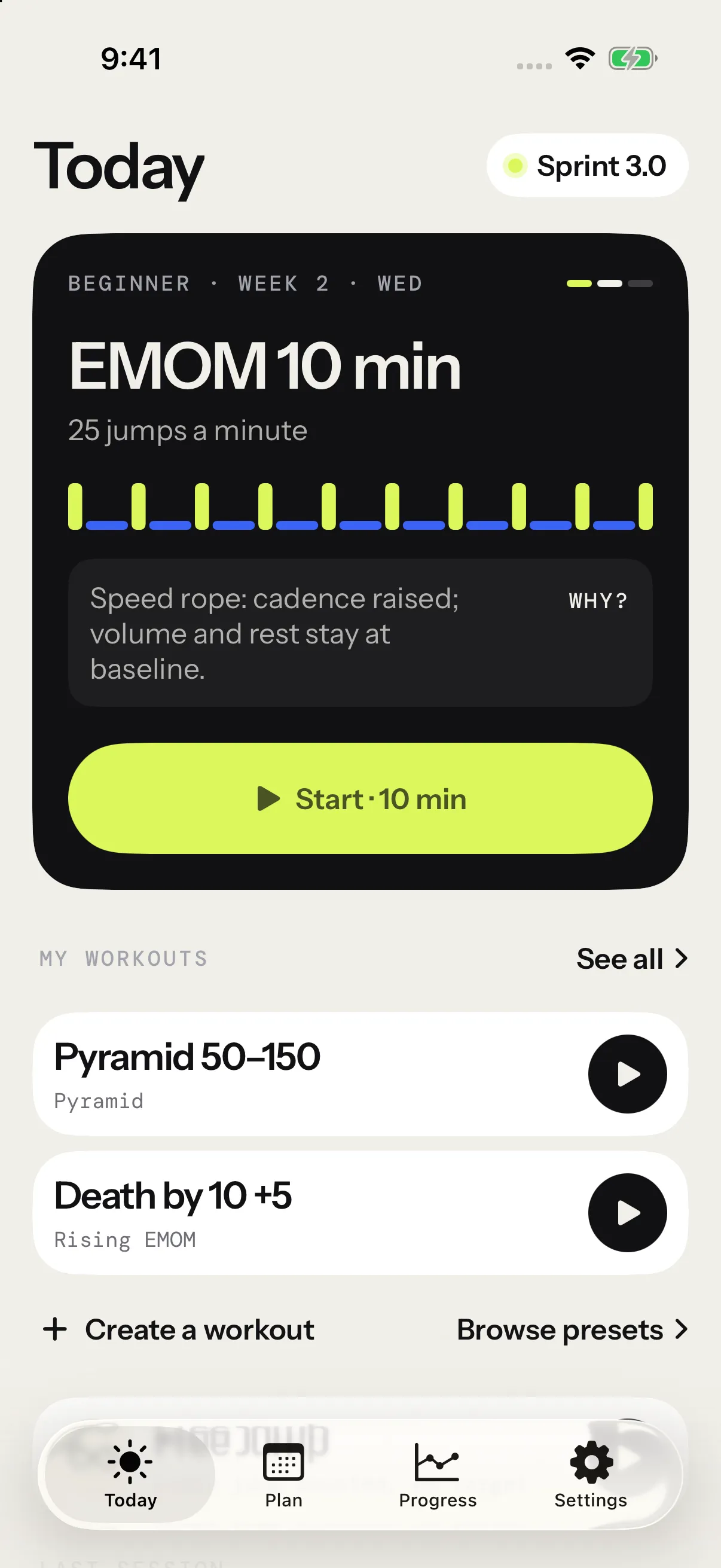
- Getting startedWhat Jump Rope Protocol does, what you need, the first launch, and your first session from Today to the summary.
- Counting your jumpsHow AirPods, Powerbeats and Apple Watch count each jump, what a trip is, and what to do when the count is off.
- SettingsA tour of the Settings tab, from Pro, language and appearance to widgets, sensors, your weight and units, session settings and your weekly goal. What each row does.
Train
- Session formatsThe ten formats the app runs, from HIIT and EMOM to Death by, density and skill drills. What ends each round, the rest, and what you can set.
- The workout creatorBuild sessions in any format on number wheels, keep them in My workouts, sort them into folders, and start one in two taps.
- ProgramsFollow Beginner or Intermediate week by week at your own pace, or build your own program, including one your AI writes.
- RopesAdd your ropes, pick the one in hand, and see how its weight scales cadence, jumps and rest in the built-in programs.
- Weekly goal and remindersAim for a number of sessions a week, see Today mark the week off, and get a reminder on the days and at the time you pick, never on a day you already jumped.
During a session
- The live sessionThe countdown, what the screen shows during work and rest, how to pause, resume and end, and what the summary holds.
- Voice and announcementsWhat the voice says during a session, how loud it speaks, and how to turn each announcement on or off.
- Heart ratePair a Polar H10 or another Bluetooth heart-rate strap for live BPM, five zones and an alert at your max, on iPhone and Apple Watch.
- CaloriesHow the app estimates the calories you burn under the rope, why it needs your weight, and where the number goes.
- Off screen and on the Lock ScreenWhat happens to a session when you lock your iPhone or switch apps, and how it shows on the Lock Screen and in the Dynamic Island.
After a session
- ProgressHow the Progress tab tracks your gains and keeps every session: trends, records, badges, repeated workouts, cardio, and how to share or delete a session.
- BadgesThe 27 badges you earn by jumping: where they show up, what each one asks, which are free, and what happens to a badge when you delete its session.
- Session reports and sharingWhat a session’s report shows, how to read it with a finger, how to compare it with last time, and how to share it as a story, video, picture or full report.
- Apple HealthWhat the app reads from Apple Health and saves there, how to connect it, and what happens to a workout when you delete its session.
Beyond the iPhone
- Apple WatchJump with Apple Watch: wrist counting, sessions from your iPhone, taps on your wrist, heart rate, calories, Apple Health and the complication.
- Connect your AIConnect ChatGPT, Claude, Grok or another compatible AI assistant, ask for a training program or a single workout, then open its link in the app.
Pro and help
- Pro and purchasesWhat stays free, what Pro adds and what it costs, and how to buy Pro, restore it on a new iPhone or ask Apple for a refund.
- Your data and privacyYour sessions stay on your devices and in your own iCloud, with no account and no ads. What the app keeps, what syncs, what purchase analytics collect, and how to delete your data.
- TroubleshootingQuick fixes for jumps that don’t count, a strap that won’t connect, a quiet voice, missing calories, reminders that don’t come, Pro on a new iPhone and AI links.