Today · Intervals
10 × 40 s / 40 s
- Cadence
- 90 JPM
- Jumps
- 600
- Rest
- 40 s
- Double-unders
- On
Baseline rope: the plan as written.
Jump Rope Protocol for iPhone counts every jump with your AirPods, Powerbeats or Apple Watch, runs your HIIT, EMOM and pyramid sessions, and adjusts to the rope in your hands.

Launch price $9.99, paid once. Then $19.99. No subscription.
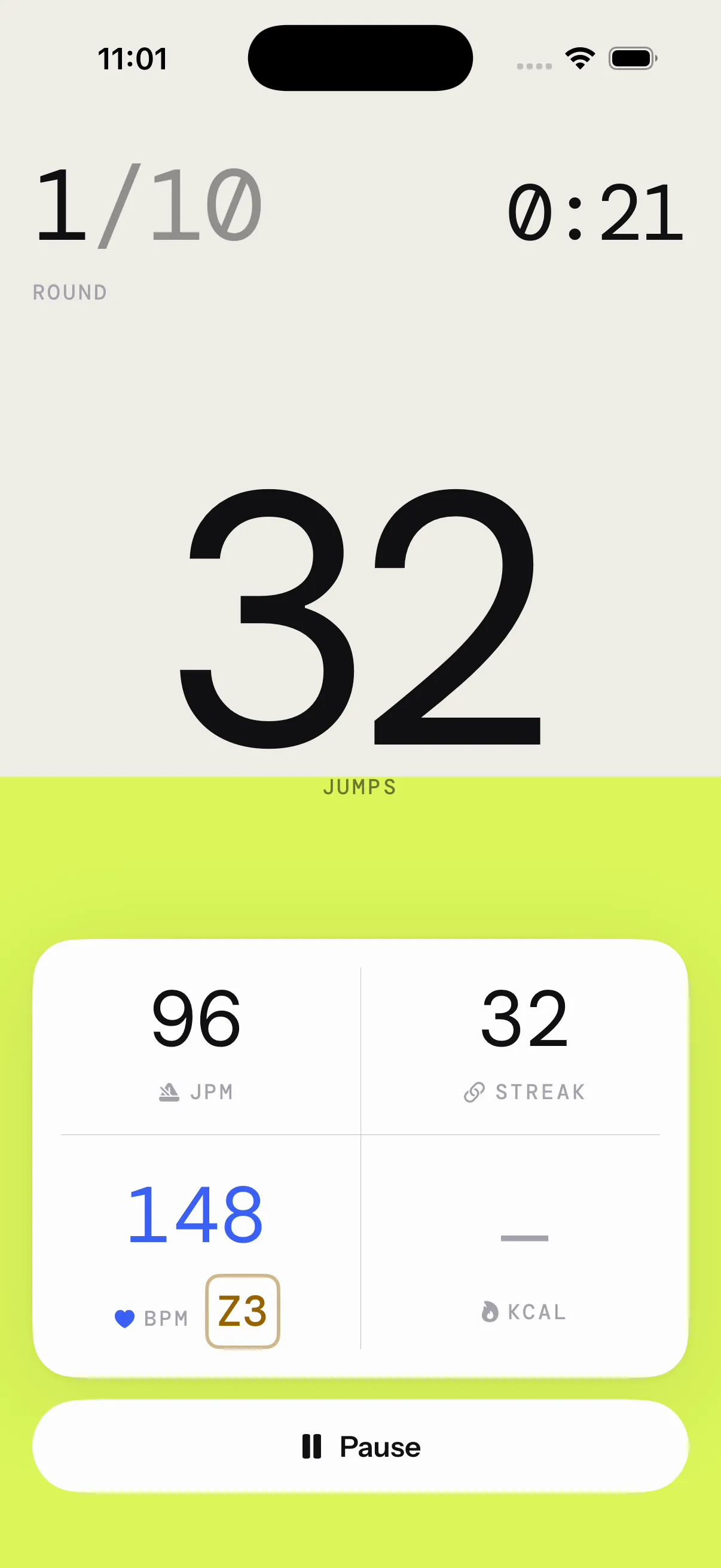
Counts on Apple Watch too
The app reads your head’s motion through your AirPods: up as you leave the floor, down as you land. Leave the phone on the floor. The numbers are big enough to read from there.
Works with AirPods Pro, AirPods (3rd generation or later), AirPods Max and Beats with head tracking.
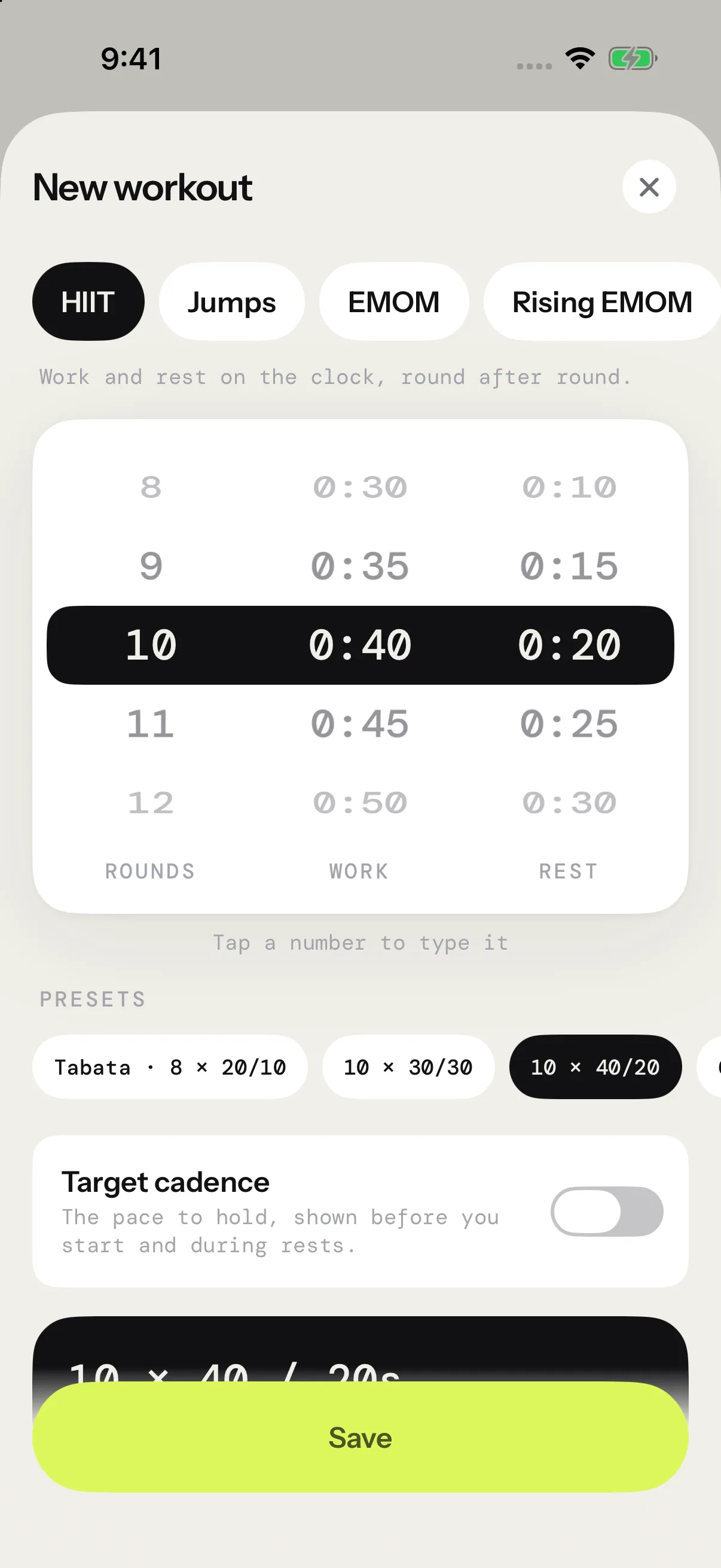
Pick a format, dial it in on number wheels, and the app runs it: countdown, work, rest, and the voice in your ears.
10 × 40 s / 40 s
Work and rest on the clock.
5 × 100 jumps / 30 s rest
Each round ends on a jump count, not the clock.
10 min · 25 jumps/min
Every minute, on the minute. Finish early, rest the rest.
10 → 20 jumps/min · until you miss
The target climbs each minute. With Death by on, the first miss ends it.
50-100-150-100-50 jumps
Targets climb to a peak, then come back down.
8:00 · as many as you can
One clock, one number to beat.
8 min under the rope
Only time spent jumping counts. Take breaks whenever you need them.
6 × 30 s / 15 s rest
Cycle through footwork drills, one per timed round.
Goal · 500 jumps
Just count. Set a goal and hear it land.
One run · until you trip
Keep the rope turning. Your first trip ends the test.
Name it, set it on number wheels or type the numbers, and keep it for next time. It runs exactly as you wrote it. Presets get you going.
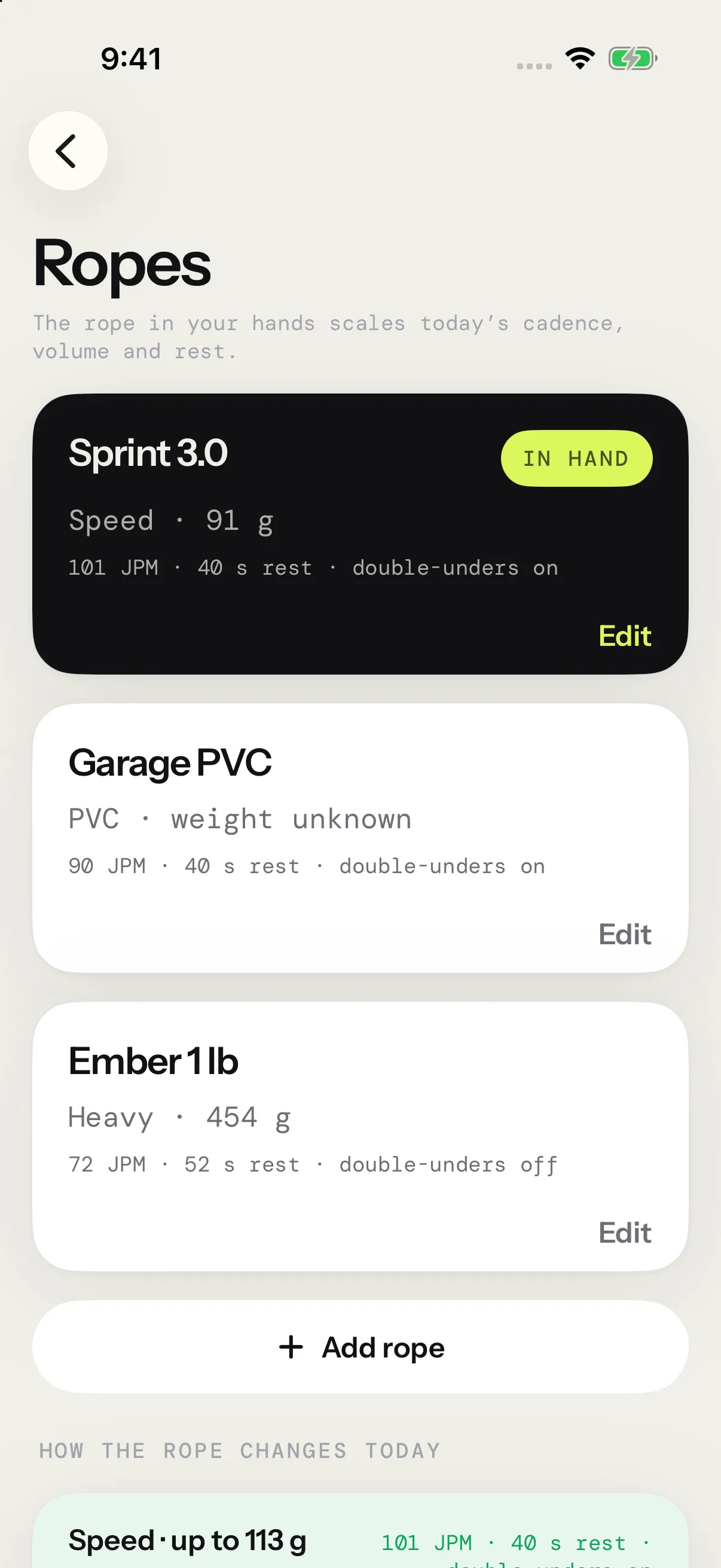
Tell the app which rope you’re holding. Guided sessions scale cadence, volume and rest to its weight, for the same training effect.
Today · Intervals
10 × 40 s / 40 s
Baseline rope: the plan as written.
Workouts you build run exactly as written, whatever rope you hold.
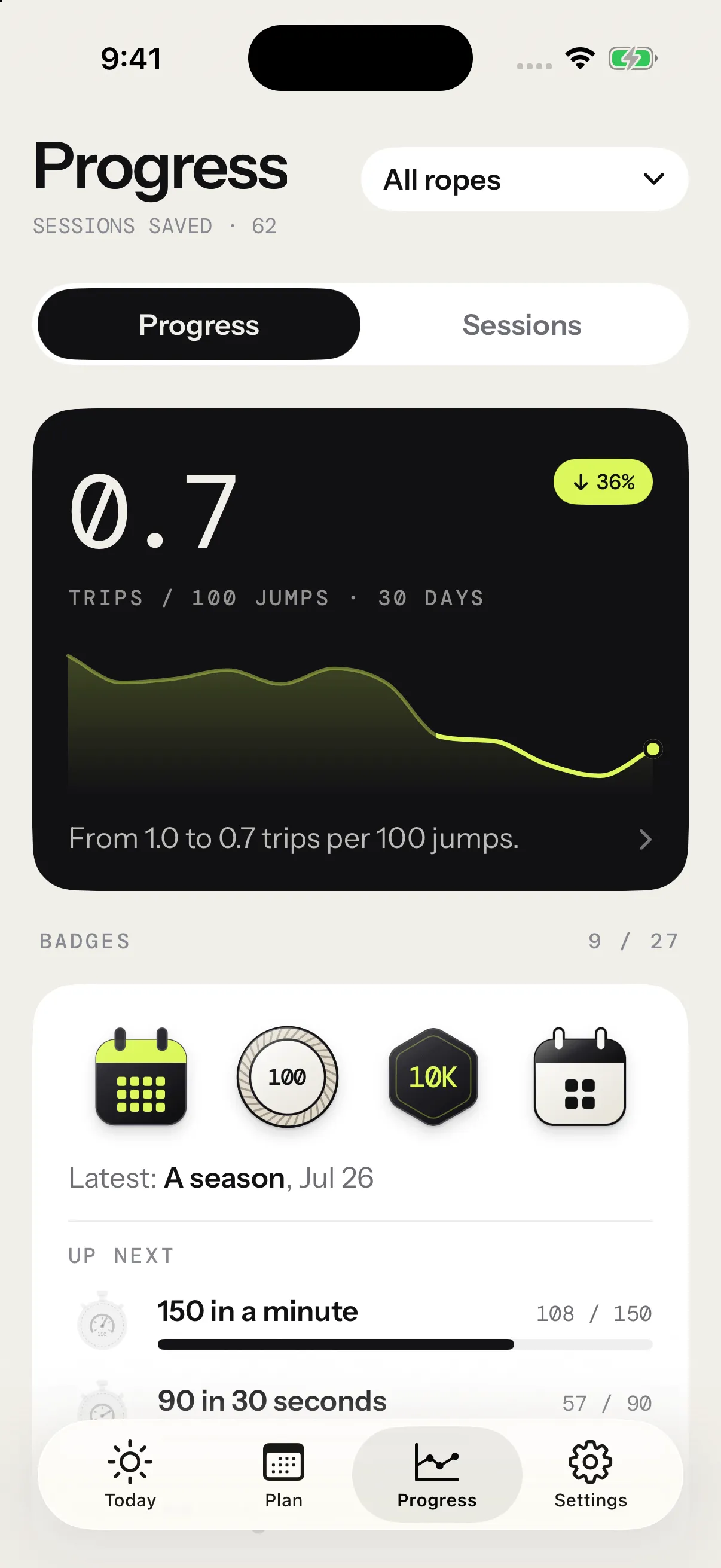
The Progress tab turns every session into proof: twelve weeks of trends, eight personal records, the workouts you repeat compared with themselves, and your heart-rate zones. Compare a rope with itself and the numbers stay honest.
Sample numbers
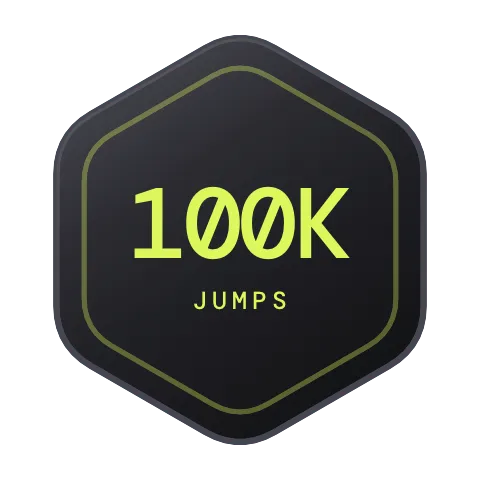
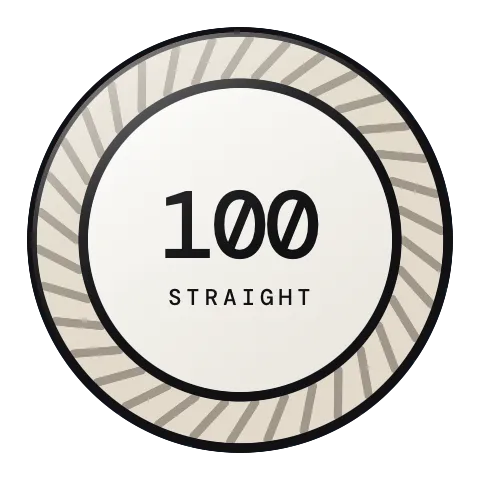
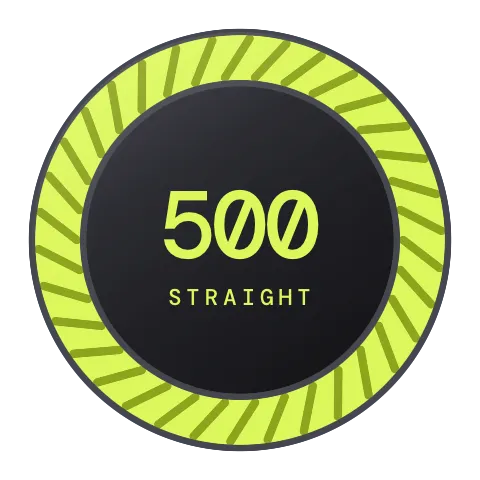
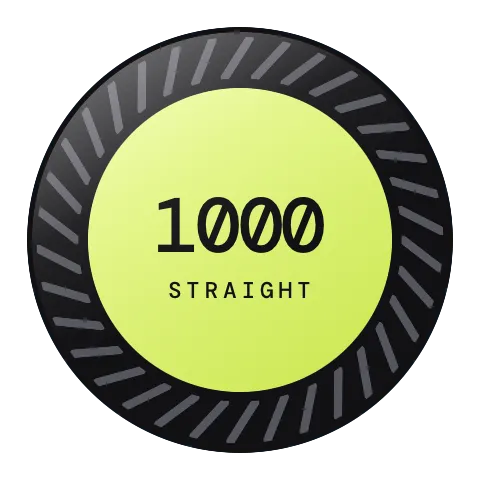
Your first session, your first thousand jumps, a hundred in a row without a trip, a full year of weeks in a row. Each badge lands at the end of the session that earns it. The first three are free, and three stay hidden until the day you find them.
First steps
Volume

Unbroken
Speed
Consistency
Mastery


Programs



Cardio



Moments

Pay once and it’s yours. No subscription, no account.
$0forever
$9.99once
then $19.99
Prices in US dollars. The App Store shows the price for your country.
Download it free. Counting is free for good.
AirPods Pro, AirPods (3rd generation or later), AirPods Max and Beats with head tracking, on an iPhone with iOS 17 or later.
No. Your iPhone counts with your AirPods or Powerbeats. If you wear an Apple Watch, it counts too.
Garmin support is being explored. Want to use Jump Rope Protocol with your watch? Tell us your model on Discord.
No. Counting is free for good, and Pro is a one-time purchase: $9.99 at launch, $19.99 after.
Your sessions stay on your devices, synced through your own iCloud. There’s no account and no ads. PostHog measures app usage and Pro purchases, including session starts and ends, without receiving session measurements or Apple Health data. If you allow it, Apple Health gives the app your weight and keeps your sessions as workouts.
Your choice, for your weight and your ropes. Switch anytime in Settings.
The Polar H10, or any strap that uses the standard Bluetooth heart-rate service.
English and French.

I’m the solo developer behind Jump Rope Protocol, based in Québec.
I also build Kettlebell Protocol and Layout. On my site, I share my projects and what I learn along the way.
Explore my work